Ghost recently released a new share button feature. Adding an a tag with href=“#/share” enables a beautiful share modal like this:
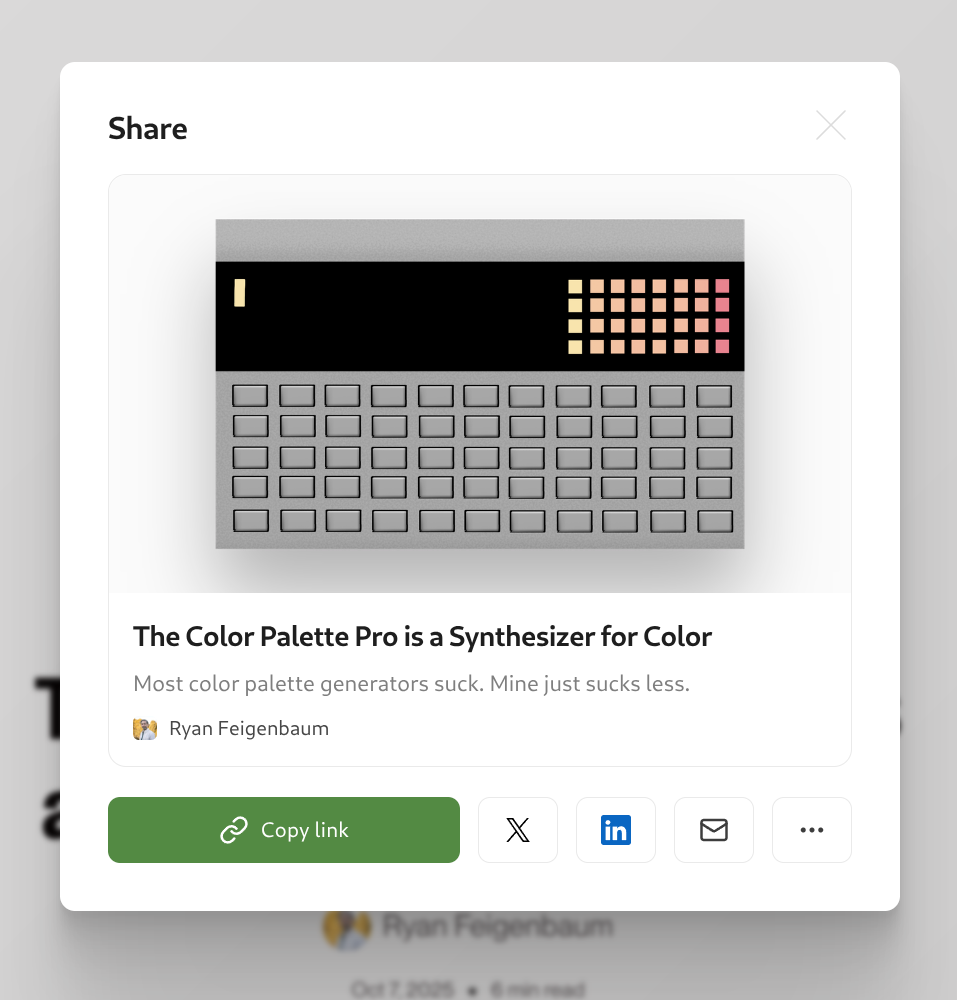
I’m not gonna lie. For 99% of people, this is the way. It’s dead simple to implement, beautifully designed, and comes for free with any Ghost theme.

But, what if you want to a bit more customization? What if you had already built a custom share button 2 years ago and feel like you still need to use it?
 Ryan Feigenbaum
Share Button Web Component
While some research shows that people don’t use share buttons, I like them. I use them for the most part, if only for the copy-link functionality.
Isn't it absurd how hard it is to copy a site's URL? The problem had been solved by Arc, but Arc's dead and apparently no other browser can figure out this functionality. On Android, it seems like they made copying the URL simple, but it’s really a Google short link, jammed pack with all kinds of tracking (probably).
The other problem with share buttons that still exist: some of them want you to pay or have their own nefarious tracking schemes. Wtf?
My solution was to build a customizable custom web component that can easily integrate with any framework/platform. That’s the beauty of web components: they’re built on web standards so they work everywhere.
Here's a screenshot of it (you can also scroll to the top of this post and see it in action for yourself).
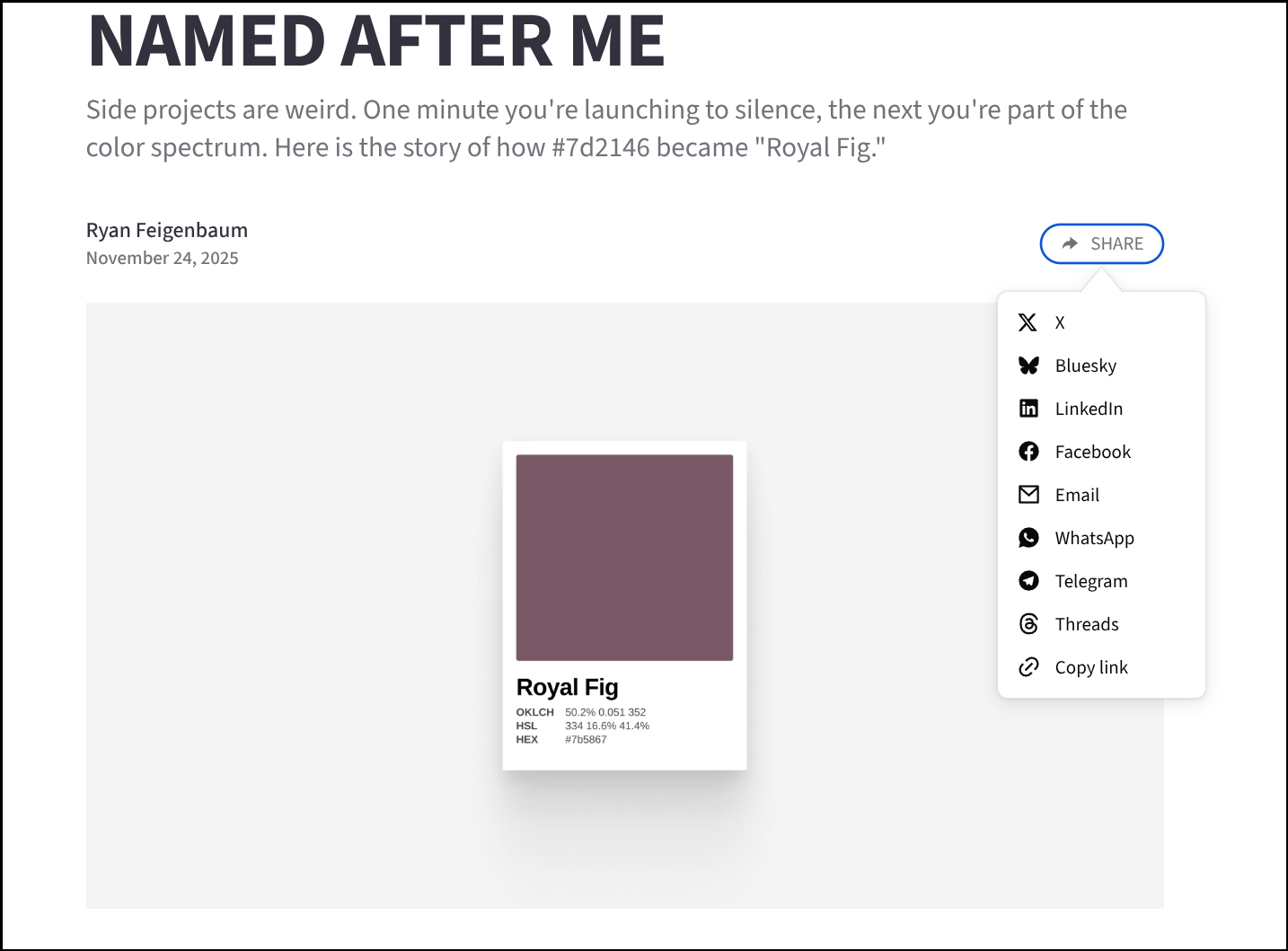
With Ghost, in particular, you install the share button one of two ways:
- Add the npm package to your theme and then include the HTML markup wherever you want the button to appear:
<share-button></share-button>This is the preferred way to install the package but it assumes you have access to your theme code. Otherwise, go to option 2. - Copy the share-button code to your site footer. Then, add the markup to your post via an HTML card. In the docs, there’s more on how to do this and even how to make it a floating button.
Customization and Highlights
Where my share button differs most from Ghost’s is the ability for customization.
Here are some of the biggest highlights:
Behavior on Mobile
The native share functionality on mobile devices (Android/iOS) is quite good, despite me complaining above. I use a simple heuristic to determine if a device is mobile, and, if so, display the mobile platform’s native share window instead of the custom one. A benefit here is the user can share to any app installed on the device, not just the options that come out of the box.
And about those options.
Share Targets
Ghost includes support for 7 share targets: URL copy, X, LinkedIn, email, Facebook, Threads, and Bluesky. As far as I can tell, these are fixed, both in number and order.
With my button, I support those 7 targets and Telegram and WhatsApp. More importantly, you can select which share targets to include and in which order.
Example from a new theme I'm working on:
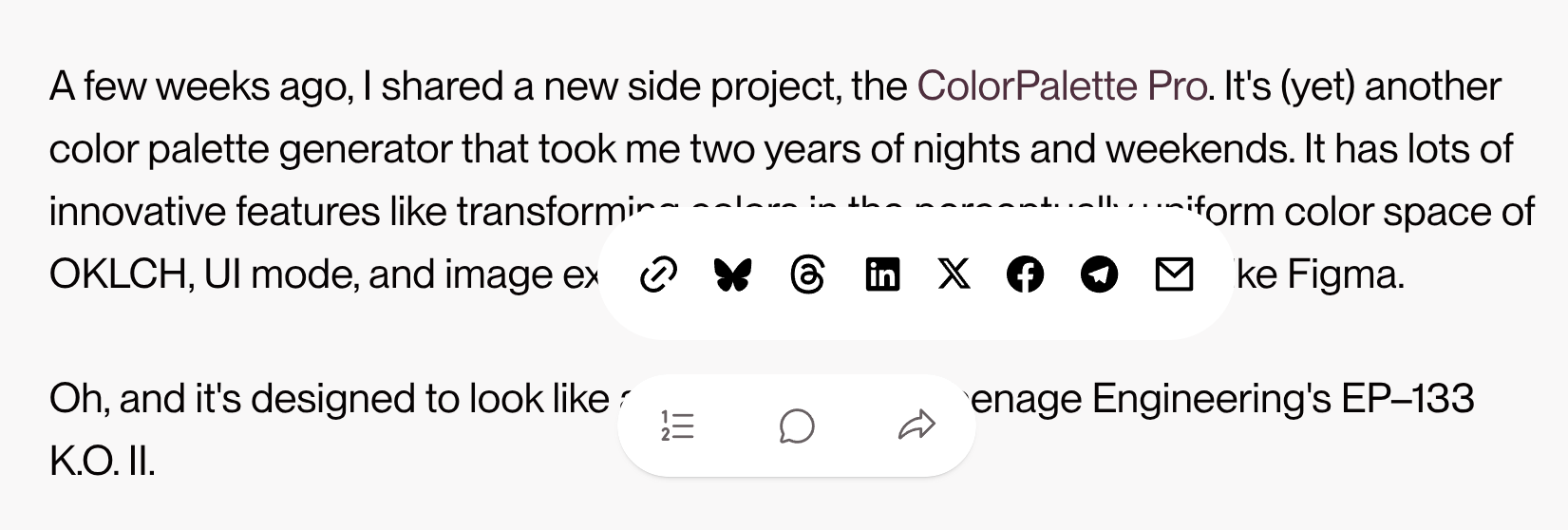
(The theme is very early, still just prototyping, so don't make too much of the design.)
Styling and Dark Mode
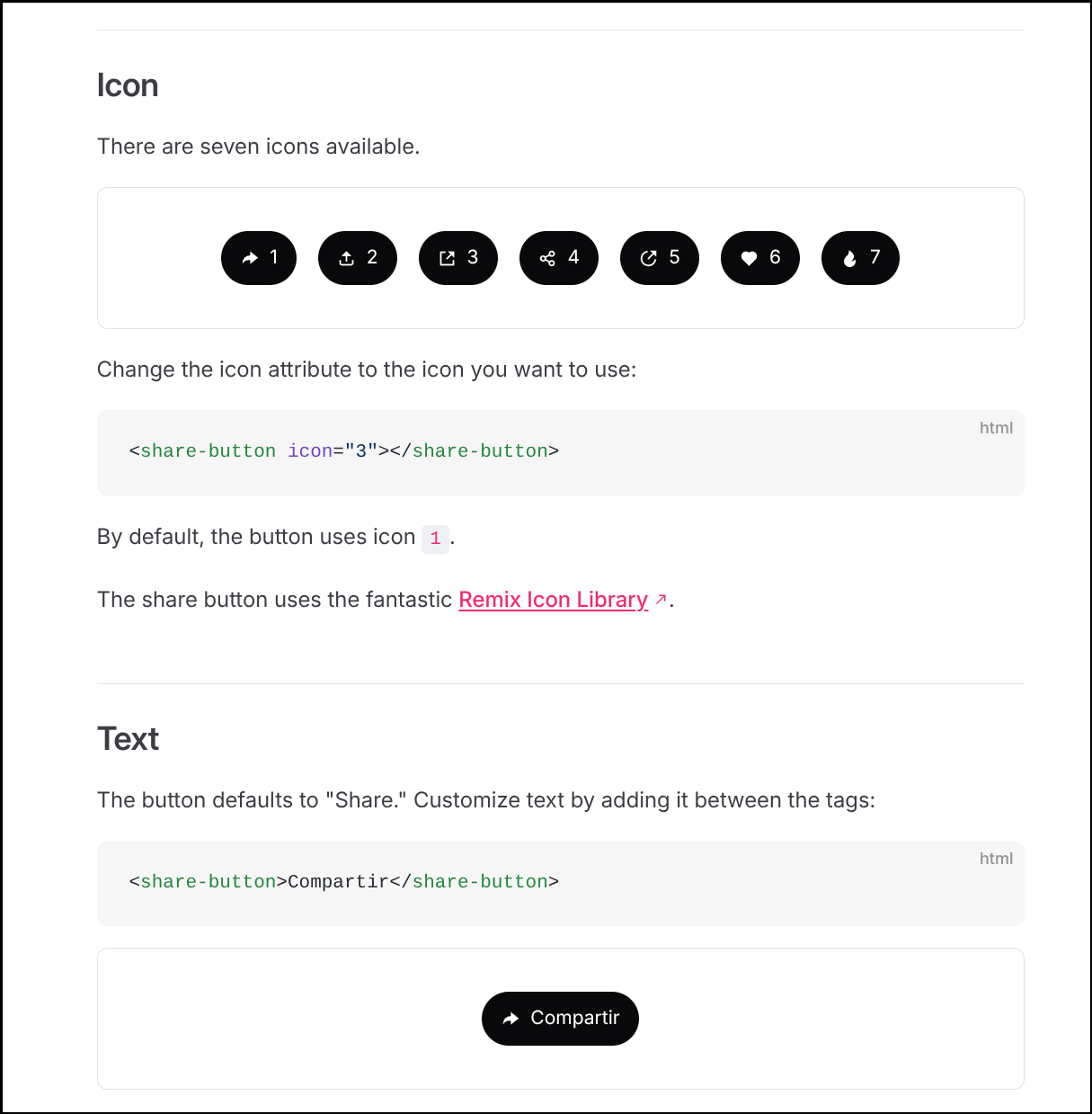
You can fit so much customization in this share button:
- Dark mode styles
- 7 different share icons (or no icon)
- Custom text (or no text)
- Custom button, button text, popover, and hover colors
- You can also have a fixed button at the left-bottom corner, bottom-center, or right-bottom corner of the page
- Skip the button altogether and just output the social media icons and their share links
- And, for those wanting ultimate control, use the
:::partselector for deep style customization
Docs and details:


Note: I'm such a dumbass. I went to grab the link for the doc's site, where's there's a big old share button, and I copied and pasted it from the address bar like a chump. Old habits die hard.
That's the share button. If you want more details on how it's built, tell me below. If you tried it and have thoughts. Lemme hear 'em.
Projects
Like always, I have a lot of irons in the fire. I'm going to share some of the things I've been working on, holler if you wanna hear more.
AI but Local
Back in 2017, I built my first PC. It had the recently released Ryzen 7 CPU with a GTX 1060 6GB GPU. At the time, this thing ripped.
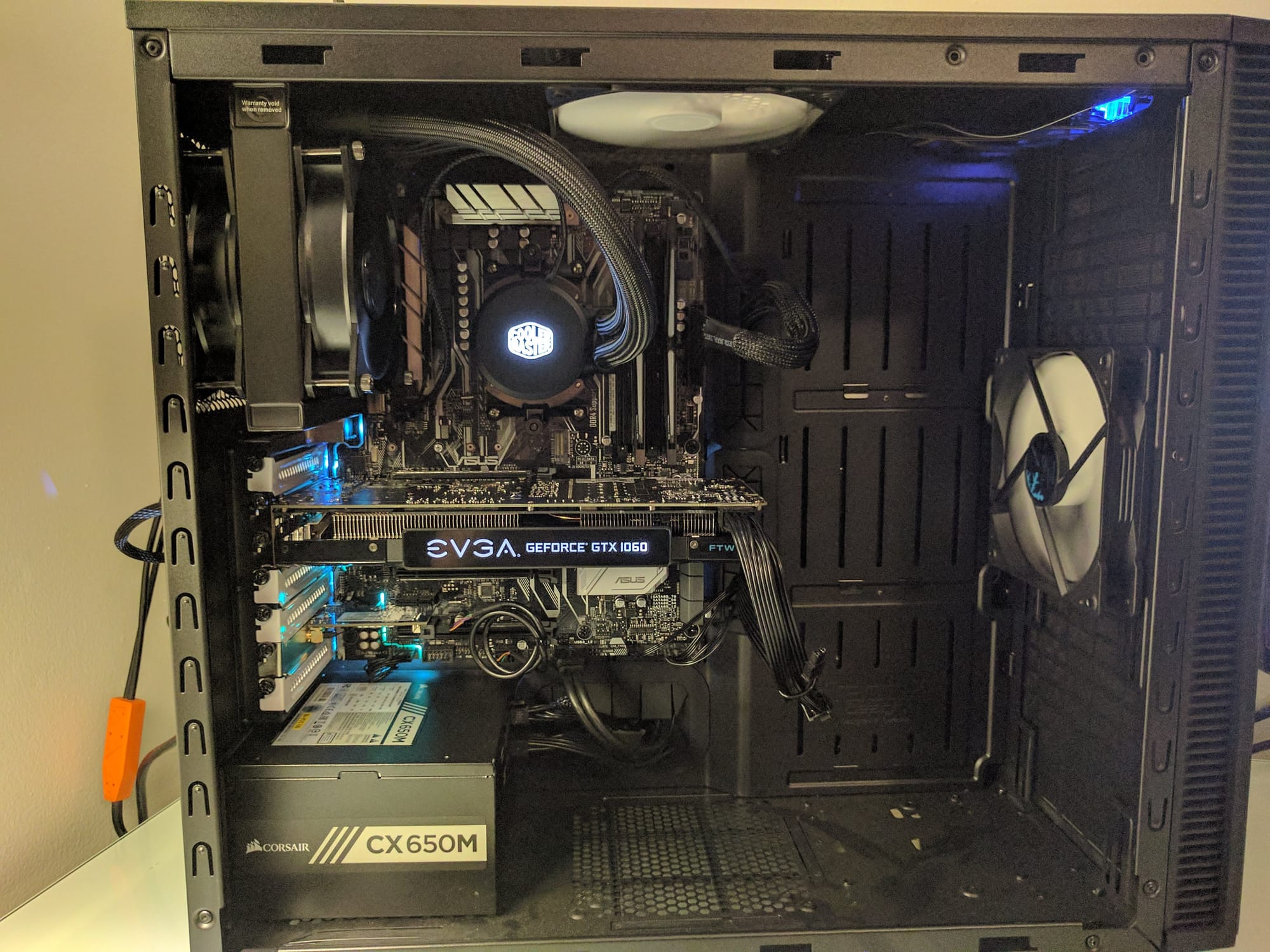
Since then, the machine has served me well. I upgraded the CPU, added storage, changed cases, and had a mess of different operating systems active at any given time.
But, the computer had gotten slooooow. I had been building and rebuilding new machines on pcpartpicker, as one does, but the AI-rampocylpse has destroyed the custom build value prop.
Instead, I got a Framework desktop desktop (right before the price increase). It's an SFF PC that's totally upgradeable down the line.
It's standout feature is that the system includes a 16-core/32-thread AMD CPU with 40 graphics cores and 128 GB of RAM. That's insane.
I love the form factor, I love the company ethos, and I was intrigued about running AI models locally.
I've been using opencode with LM Studio (qwen3.6-35b-a3b) for coding. It's suprisingly good.
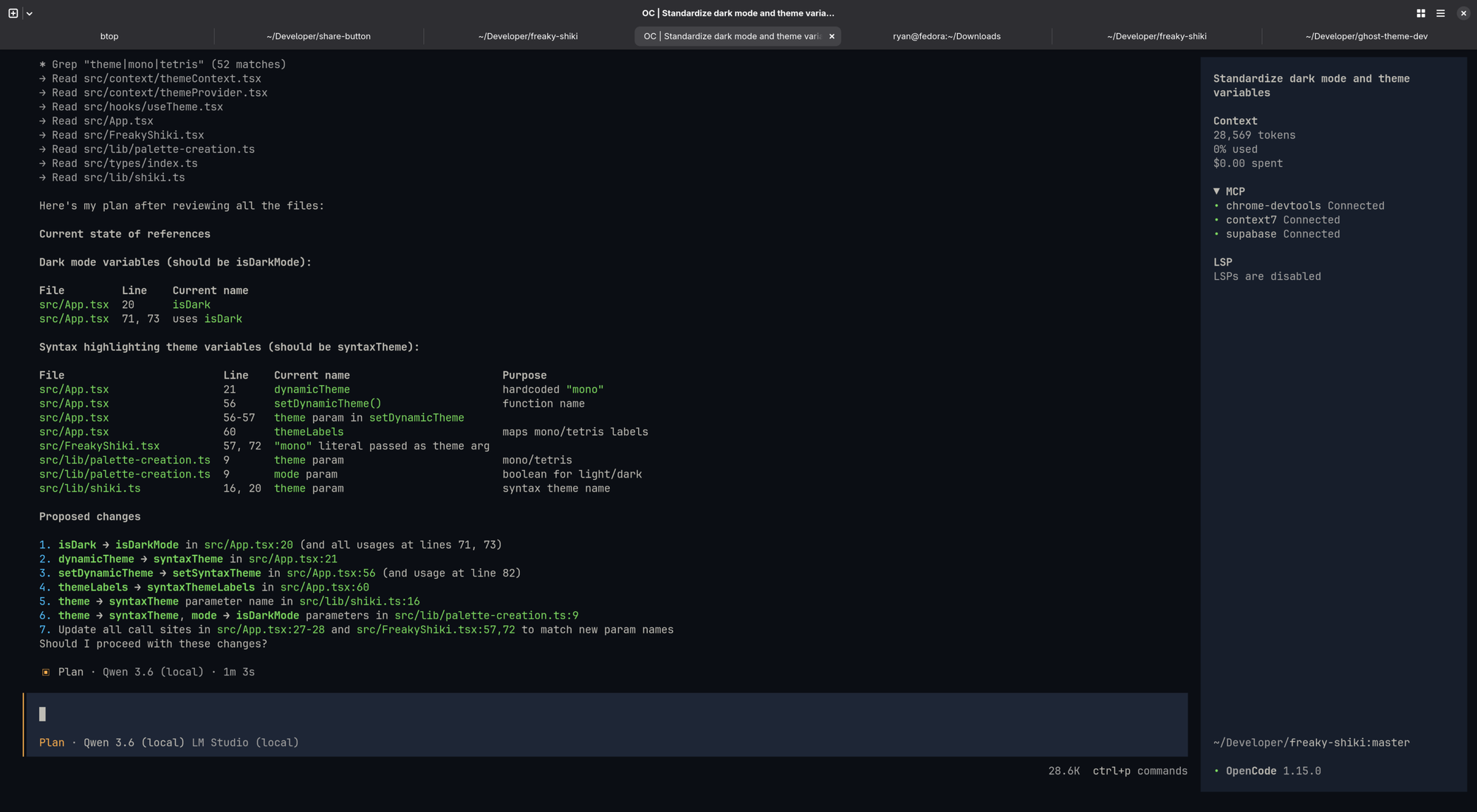
I've also been building agents and workflows with LangGraph, which has been incredibly powerful.
If you'd like to hear more about either or have your own experience, lemme know.
Building Another Ghost Theme
This is a twofer. I'm building a new Ghost theme called Quartz, for my personal site. If you're interested in that process, say so. It's still early, but building Ghost themes is so fun.

I long time ago (a few years), I wrote a package to facilitate building Ghost themes. It's a build and development tool that combines esbuild with lightningcss to expedite theme development locally but also make themes more perfomant in production.
If you want to learn about this, tell me.
I'm also working on a project called Freaky Shiki, which is a new approach to syntax highlighting code snippets, combined with custom dynamic theming.
It's what I'm using to create the code snippet below, no javascript needed. (Display in email still needs work.)
<img
  srcset="
    img-50.jpg     50w,
    img-100.jpg   100w,
    img-400.jpg   400w,
    img-600.jpg   600w,
    img-800.jpg   800w,
    img-1000.jpg 1000w,
    img-1200.jpg 1200w,
    img-1600.jpg 1600w,
    img-2000.jpg 2000w
  "
  sizes="(max-width: 400px) 160px, (max-width: 600px) 240px, (max-width: 1200px) 528px, 800px"
/>
More importantly, what are you working on? What's got you excited? Are you building faster with AI? Tell me 🫴
Oh, and don't forget to share this post: